What Is MCP? How Model Context Protocol Connects AI to CRM
What is MCP?
MCP, or Model Context Protocol, is an open-source standard that lets AI applications connect to external data, tools and workflows. It gives an AI assistant a consistent way to discover what a connected service can do, request an allowed operation and receive a structured result.
The official Model Context Protocol introduction compares MCP to a common connector for AI applications. Its architecture guide describes three main parts:
- an MCP host is the AI application in which the user works;
- an MCP client maintains the connection inside that application;
- an MCP server exposes selected capabilities from an external system.
Those capabilities can include tools that perform actions, resources that supply data and prompts that provide reusable instructions. An MCP server might connect an AI application to files, a database, search, a calendar, a development tool or a CRM.
MCP is not an AI model, a database or unrestricted access to another system. It is the standard used for communication between them. The connected service still defines which capabilities exist, while authentication, permissions and any approval steps determine what a particular user may do.
How is MCP used?
Most people do not use the protocol directly. They connect an MCP-compatible AI application to an MCP server and continue working through normal conversation.
A typical MCP interaction works like this:
- A user connects a compatible AI application to an MCP server.
- The application discovers the tools, resources or prompts that server makes available.
- The user describes an outcome in ordinary language.
- The AI chooses a relevant permitted capability and sends a structured request.
- The MCP server reads information or performs the requested action in the connected system.
- The result returns to the AI application, which explains it to the user.
Some MCP servers only make information available for reading. Others expose tools that can create or change data. The exact access depends on the server, the user's identity and permissions, and the controls provided by the AI application.
Both Claude Code and Codex support connections to MCP servers. This means a person can bring compatible business tools into an AI workspace they already use instead of learning a separate assistant interface for every system.
A practical CRM MCP example
You finish a customer meeting with two new contacts, a changed next step, a follow-up task and notes that belong in the CRM. None of that work is difficult. It is simply repetitive—and it is exactly the kind of work that is easiest to postpone.
Now imagine giving this instruction in the AI tool you already use:
Update the Northstar account, add Lina and Mark as contacts if they are not already there, record that the proposal is due on Friday, and create a follow-up task for me.
Without a connection, the assistant can discuss that work but cannot reliably inspect or update the CRM. A CRM MCP server can provide the defined bridge: it lets the AI find permitted records, call specific CRM actions and return a structured result. The CRM remains responsible for its data and rules.
How would you use MCP with AmplySales?
Our direction for AmplySales is simple: you should be able to connect the sales assistant you already work with, sign in to AmplySales and let it help with the CRM work you are authorized to do.
A typical AmplySales flow will look like this:
- You add the AmplySales connection in a supported AI tool such as Claude or Codex.
- You sign in with your own AmplySales identity and choose one eligible organization.
- You describe the outcome in ordinary language.
- The AI selects from the AmplySales tools available to you.
- AmplySales checks your permissions, performs the allowed action and returns the result.
- The assistant explains what it found, created or changed.
The AI tool provides the conversation and reasoning. AmplySales remains the system that owns the records, validates the request and enforces CRM rules.
Why MCP is a good fit for AmplySales
AmplySales already holds structured business context: Accounts, Contacts, Deals, Tasks and Activities are connected to each other rather than scattered across unrelated chats and files. It also already knows which organization a record belongs to and what each user is allowed to see or change.
MCP gives AmplySales a standard boundary through which compatible AI applications can use selected CRM capabilities. Instead of building a different one-off connection for every AI provider, AmplySales can expose the same controlled sales tools while continuing to own the data model, validation, permissions and audit trail.
That makes AmplySales useful in more places without turning the CRM into an unrestricted database or requiring the interface to be open for every routine action.
Why structured CRM context makes AI more useful
An AI model does not carry a dependable working memory of your customers and workflows from one conversation to the next. It can reason only with the context and tools made available in the current interaction. Chat history and separate files can help, but they are not a reliable substitute for a governed system of record.
AmplySales gives that business context a durable structure: Accounts remain connected to Contacts, Deals, Tasks and Activities; records can be found and reused later; and the same user permissions continue to apply. Through MCP, compatible AI tools can work with this reusable CRM context instead of reconstructing it in every conversation.
Put simply: the AI provides reasoning, AmplySales provides durable business memory, and MCP connects them. Here, “business memory” means persistent, structured CRM records—not memory inside the AI model. The practical result can be less repeated briefing, fewer notes stranded in separate files, less interface navigation and more consistent workflows.
Already paying for an AI assistant? MCP can make it more useful
Many people already subscribe to an AI service and use it every day for writing, analysis, research, planning or technical work. Without a CRM connection, that assistant can discuss sales work, but it cannot work reliably with the latest customer record unless someone copies the information into the conversation.
With a supported AmplySales MCP connection, the same familiar AI workspace could gain permission-checked tools for live CRM work. A user could combine the context already present in a conversation with AmplySales records, perform supported actions and write the result back to the system of record. That means less copying between applications, less repeated context and more practical value from an AI subscription the user already has.
The AmplySales and AI-service subscriptions remain separate, and MCP support can depend on the chosen AI client and plan. We will publish the supported clients and setup requirements when the public connection is ready.
Where a CRM MCP server can remove mundane work
The most useful starting point is not “run my company autonomously.” It is the small administrative work around every real sales conversation.
Turn meeting notes into structured CRM data
Instead of opening several forms, you could ask the assistant to find the Account, add missing Contacts, record the agreed next step and create a Task. The result is structured CRM data rather than another note stranded in a document.
Keep records current after a call
A short instruction could update an Opportunity stage, expected date, value or activity summary—provided those fields are visible and editable for that user. The assistant can report each change so the person remains in control.
Find gaps before they become forgotten work
You could ask which open Opportunities have no next activity, which new Prospects are missing an owner, or which customer records need a follow-up. Reading the live CRM through defined tools produces a more useful answer than pasting an old export into a general chat.
Create follow-up work without another round of clicking
When a conversation ends with three promises, the assistant could create the corresponding tasks and link them to the right CRM records. This is a modest use of AI, but it removes the kind of data entry that determines whether a CRM stays trustworthy.
The important part is not access. It is controlled access.
A CRM contains customer relationships, commercial history and personal information. Connecting an AI assistant should not create a side door around the controls already configured in the system.
The planned public AmplySales Sales MCP connection is therefore designed around these boundaries:
- One person and one organization per connection. A connection is tied to the signed-in AmplySales user and one exact organization. It cannot silently switch to another customer environment.
- The same permissions apply on every call. Object, record and field access is checked when the tool runs—not only when the connection is first created.
- Sales tools are not administration tools. The public connection does not expose the private AmplySales Admin MCP surface or let an ordinary user change system configuration.
- No hard-delete shortcut. The Sales MCP boundary is not intended to provide irreversible deletion tools.
- Connections can be revoked and actions can be audited. A useful business integration needs a reliable way to stop access and investigate what happened.
Important data-protection notice: Connecting an external AI service means that CRM information requested through MCP—including personal or confidential data returned by the requested tools—will be sent to that provider. The organization owner must decide whether to enable the connection. The organization is responsible for assessing the provider's terms, privacy practices, data location, retention and AI-training policies, and for ensuring that it has a lawful basis to share the data. AmplySales remains responsible for securing its MCP service and enforcing AmplySales permissions, but it does not control how a separately contracted third-party service processes information after receiving it.
The third-party provider's own terms and privacy policy apply to its processing. Disconnecting the service stops future MCP access but may not delete information the provider has already received; the organization must use that provider's controls for deletion. See the AmplySales Terms of Service and Privacy Policy for the full conditions.
Does MCP replace the AmplySales interface?
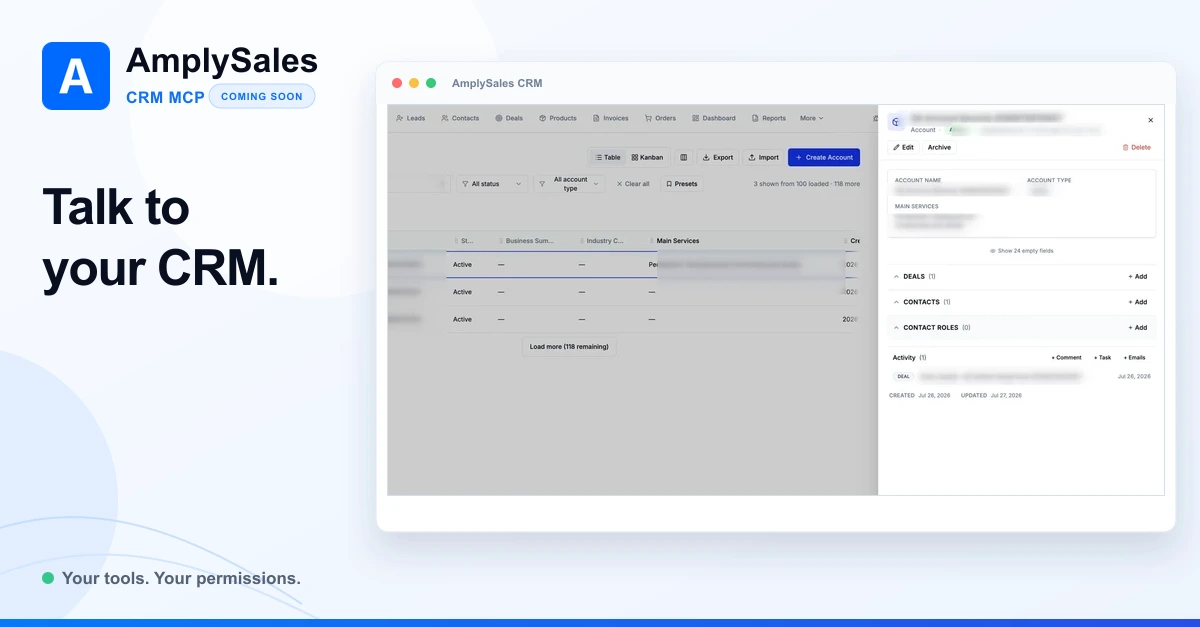
No. The CRM interface remains the clearest place to browse a pipeline, inspect a full record, configure the organization and review visual reports. But MCP can make the interface optional for a large share of routine CRM work. Once the connection is available, a user could ask Claude or Codex to find a customer, create or update records, log activity and retrieve current CRM information without navigating through the interface screen by screen. Every action would still be limited by that user's AmplySales permissions.
The two surfaces complement each other:
- use the AmplySales interface when you want visual context, configuration or detailed review;
- use Claude or Codex when you want supported CRM work completed directly from the conversation, without opening and navigating each relevant screen yourself.
Is the AmplySales CRM MCP server available now?
Not generally yet. We are preparing a public Sales MCP connection for paid AmplySales users, with Claude and Codex among the intended clients. The secure identity and permission layer matters as much as the tool catalogue, so external-client compatibility, authentication, revocation and production acceptance must all be complete before release.
This is separate from the private AmplySales Admin MCP used for internal administration. The customer-facing connection is intentionally limited to sales work performed under the connected user's own permissions.
We will publish the setup guide, supported clients and exact tool list when the public connection is ready. If your team wants to reduce CRM data entry from Claude, Codex or another MCP-compatible assistant, tell us how you would use it.
For more background, read what AI CRM can actually do and how sales automation should remove repetitive work.