Email, Collaboration and Branded Invoices: July in AmplySales
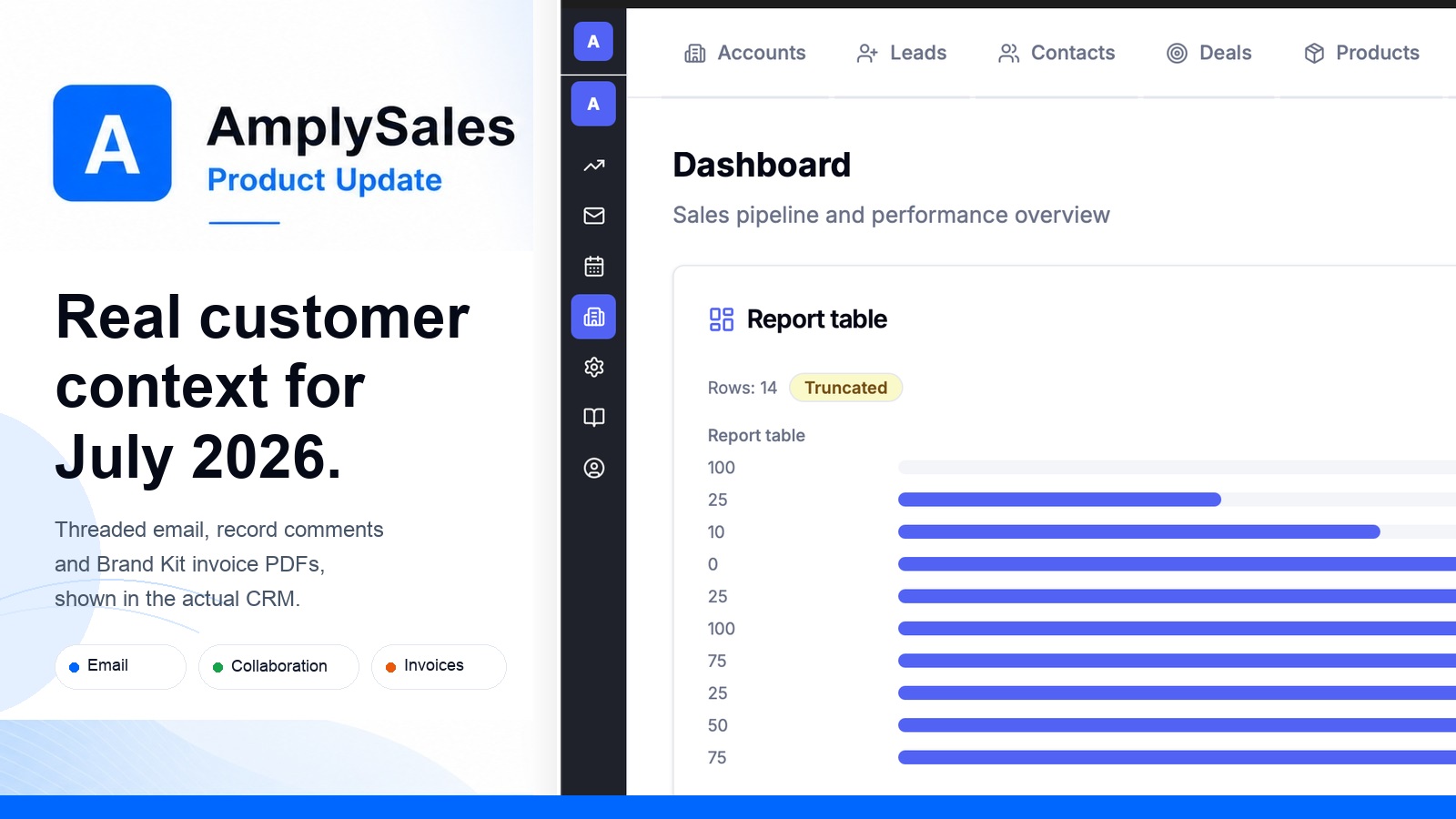
Customer conversations, team context and paperwork that looks like yours: July in AmplySales
Sales work rarely breaks because one major feature is missing. More often, context gets scattered: the reply is in a mailbox, the decision is in a comment, the next step is in a task, and the invoice still needs to be rebuilt by hand.
Our July release brings those pieces closer together. Email now behaves more like a complete workstream inside the CRM, collaboration stays attached to the customer record, and invoices carry your business details and brand. We also gave AmplySales assistants more useful — and more carefully bounded — ways to help.
“Can I handle the whole email conversation here?”
That should be an easy yes. This month we rebuilt a large part of the CRM email experience around that expectation.
You can now reply, reply to everyone and edit recipients without losing the original thread. HTML signatures and reviewed email templates keep messages consistent; attachments work across received messages, drafts and replies; and Junk and Trash views make the mailbox easier to manage. Remote images remain under your control and load only when you choose.
Email is also more connected to the rest of your workspace. Sent and received messages can be linked or unlinked from the right CRM record, and the relationship remains visible in activity history. Exact-address routing, assignable email ownership and owner-aware replies help shared and managed inboxes reach the right person. If an IMAP connection needs attention, AmplySales now explains the problem and keeps a visible reconnect path until the connection is healthy again.
The result is less jumping between tabs and less guessing which message belongs to which customer.
“What happened with this customer — and who knows about it?”
A useful customer record should tell the story, not just store fields.
Records now support comments, tags and @mentions, including editing, deletion and admin moderation. Mention someone and they receive a direct notification in the AmplySales bell; notification settings are always one click away when you want to adjust delivery.
On Accounts, a new unified Activity history brings together comments, emails, tasks and important lifecycle events such as prospect and contact conversions. Items keep their source and status, and links take you back to the originating record. You can scan the relationship in order instead of reconstructing it from several screens.
We also tightened the details that make collaboration trustworthy: deleted comments disappear consistently for everyone, activity updates refresh reliably, and access rules continue to apply when an email is linked to a record.
“Can invoices be correct, current and on-brand?”
Admins can now maintain an invoice issuer profile with the legal entity details needed for a professional document, including optional VAT information. AmplySales checks readiness before delivery, gives clear guidance when required details are missing, and regenerates the PDF when an invoice changes.
Your Brand Kit can supply the logo and visual identity for branded invoice PDFs. The document preview shows what the customer will receive, and the finished PDF can be securely downloaded or delivered after confirmation. The private storage path stays private throughout the process.
It is a small operational loop with a lot of expensive failure modes removed: fewer stale PDFs, fewer incomplete issuer details and no separate design pass for every invoice.
“Can the assistant help without taking over?”
July expanded the useful work AmplySales assistants can do while keeping confirmation and permission boundaries in place.
Depending on their role, assistants can help find and run reports, configure dashboard widgets, inspect or update automations, and schedule or reschedule Planner tasks. Admin tools now explain automation intent, validate fields before a change, and ask for confirmation before sensitive actions such as activation or deactivation.
The same principle now applies deeper in the workflow: typed field validation catches correctable mistakes before a record write, selected-user automation runs respect privacy, and saved replies are authorised again at send time. If permissions or ownership changed in the meantime, the message fails safely instead of being sent under stale authority.
The everyday improvements matter too
This release also removes a long list of smaller interruptions:
- Better mobile work — faster access to Assistant, Planner, records and lists, plus quick rescheduling and linked-record actions in Planner Today.
- Clearer loading and recovery — useful skeletons while CRM, Leadgen, Reports, Planner and email load, with retryable error states instead of dead ends.
- Safer prospecting data — phone enrichment now requires source-backed evidence and keeps the source URL, while rate-limited bulk enrichment can recover more predictably.
- Smoother administration — team permission profiles refresh immediately, dashboard sections reorder correctly, and automation target fields are limited to choices that are valid and authorised.
- More dependable forms and reports — duplicate registry results remain visible in the open form, report widgets can reuse the same report, and actions in long report dialogs stay reachable.
- Browser and keyboard polish — Safari viewport handling is steadier, overflow tabs are keyboard accessible, and more screens preserve context while the workspace changes.
Already live in your workspace
The July update is now in production and requires no action for the core improvements. Admins can optionally review Brand Kit, invoice issuer, email connection, notification and automation settings to tailor the new capabilities to their organization.
Not using AmplySales yet? Tell us about your sales process or explore the workspace at crm.amplysales.com.