AI CRM, Smarter Email and Safer Invoices: August in AmplySales
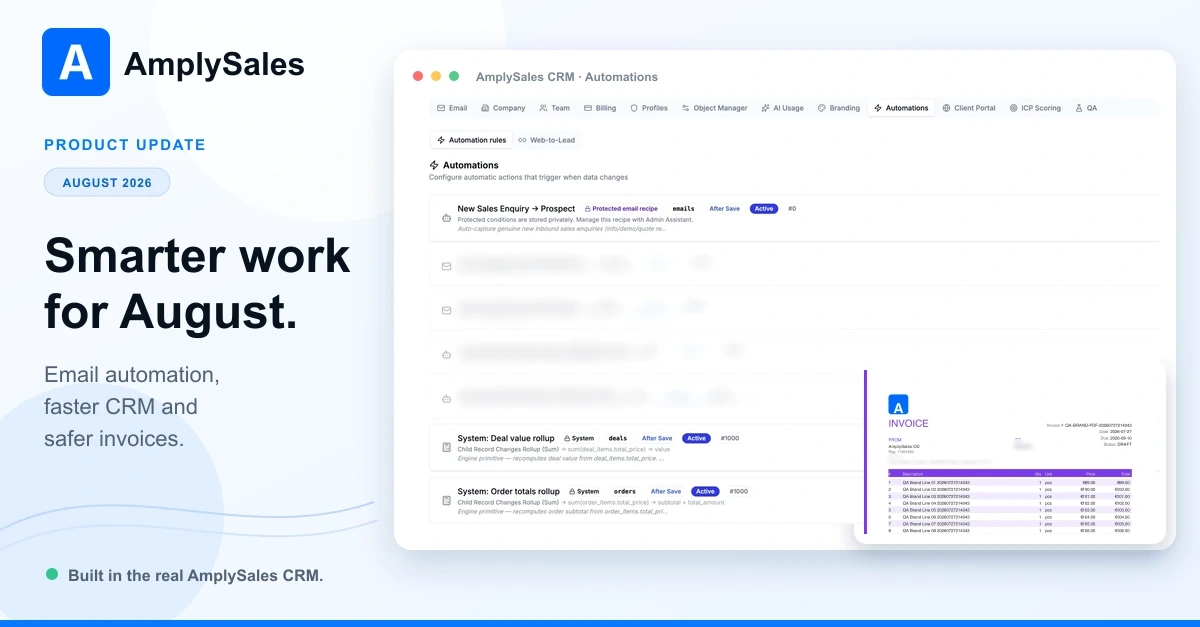
Less manual work, clearer context and safer automation: August in AmplySales
A good CRM should reduce the number of small decisions you have to repeat. Which customer is this email about? Has somebody already handled it? Can I correct this field without opening another form? Is this invoice still safe to change?
Our August update reached production on 6 September 2026, together with the final fixes completed during release preparation. It focuses on those everyday moments: incoming email can start configured sales workflows, records are quicker to update, assistants offer clearer confirmation for supported actions, and invoices are easier to read and better protected after sending.
“Can an incoming email start the right sales work automatically?”
Yes. AmplySales now supports inbound-email automation recipes that react to future messages in a connected personal or shared mailbox.
An automation can match a sender, domain, subject or existing CRM relationship, then start a configured agent task. Such a recipe can, for example, recognise a new sales enquiry, create a Prospect and preserve the link back to the source email. Duplicate-processing safeguards also cover legitimate messages restored from Junk, helping prevent the same enquiry from creating repeated records.
The mailbox itself also gives a clearer sense of what is new. All, Inbound, Junk and Trash views now carry new-item indicators, while owner-aware routing helps messages sent to managed shared addresses reach an eligible person without losing organization-level control.
An administrator configures these recipes through the Admin Assistant. Mailbox access rules still apply, and the incoming message supplies the enquiry—not permission to change the workflow itself. Historical mailbox imports do not trigger these recipes.
“Can I work with email in the customer’s full CRM context?”
Email relationships now carry more of the customer story. An email can show links to both a Contact and its related Account, subject to the user's access. Older messages can also retain multiple CRM record relationships instead of being reduced to one connection.
That makes the activity history more useful when a conversation involves several people or records. It also helps the next user understand why a message matters without reconstructing the relationship from subject lines and memory.
We improved templates too. Teams can preview organization templates before using them, and an administrator can turn a starter template into an editable organization copy. Draft-saving fixes make it more reliable to keep work in progress, while clearer session-expiry messages help when an email relationship cannot be saved.
When you start an email from a selected Prospect, the composer now keeps that CRM context and prefills an available recipient address. If you replace or clear the recipient yourself, that choice is preserved as the record details finish loading.
“Can I update CRM data without losing my place?”
Record detail views now support inline field editing, so many corrections can be made where the information is already visible. Forms, lists and detail lookups also load more efficiently, reducing the pause between finding a record and acting on it.
Exact-match picklist filters now apply across the full set of records available to you, rather than just the loaded page. Totals, pagination and exports use that same scope. CSV exports remain limited to 1,000 matches and indicate when more exist. Free-text and derived-field searches still work over the records currently loaded.
Import summaries now explain which duplicate checks were performed. Contacts can also be related to more than one Account, including through import—useful for consultants, partners and people who work with several companies.
“Can the assistant do more without making silent changes?”
Supported assistant approval flows now use confirmation cards in the conversation instead of asking you to type a confirmation phrase. You can review the proposed action and confirm or cancel it directly.
The Admin Assistant can prepare a tabular report, show its proposed structure and save it after confirmation. It can also read organization Knowledge Base documents, giving it reusable context for your team's work.
Readable documents uploaded in chat now join the organization's Knowledge Base, so their content can be reused in later work. These new uploads are shared organization knowledge, not private chat-only attachments: eligible internal members can access them. Older private chat attachments retain their original visibility. Use this for material the team should share, such as product information or an agreed process. Scanned PDFs without a text layer are rejected at upload; automatic text recognition (OCR) is not supported.
The release also fixes Knowledge Base access for eligible Sales Assistant users with a Standard license. Access still depends on the user's current organization membership and profile.
“Will customer invoices look right — and stay trustworthy?”
Newly generated invoice PDFs use a more polished A4 layout, carry the organization's active branding and paginate long line-item lists. Supported European Latin characters—including Estonian õ, ä, ö, ü, š and ž—are preserved. Some scripts, including Cyrillic and Greek, and emoji are not supported yet. If text contains an unsupported character, PDF generation stops and a warning explains the problem.
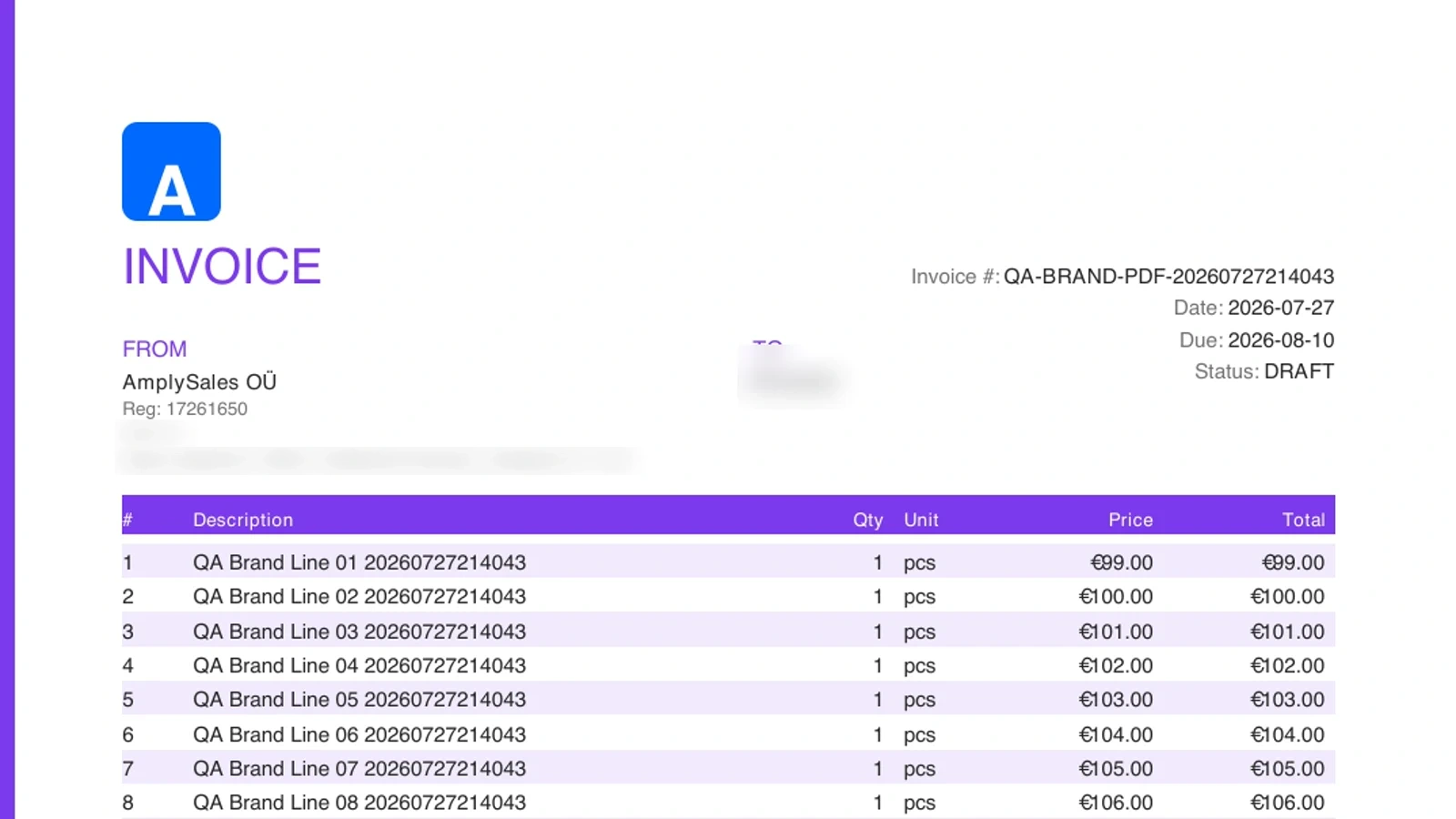
Once an invoice is sent, or marked Sent or Overdue, ordinary users cannot change its fields, line items or status, archive it or delete it. A test send does not establish this lock. The protection remains after later status changes. An internal owner or administrator can make a legitimate correction only with the required invoice permissions.
The final release fixes also improve text rendering and restore the complete representative invoice sample in Branding. That sample is a layout guide; the generated PDF remains the document to review before sending. Existing invoice PDFs are not redesigned automatically when branding changes.
The smaller improvements add up
The release also removes friction from several common journeys:
- Mobile navigation prioritizes Assistant, Mail and Today where the user has access, with a More menu for the remaining workspace.
- Google sign-in asks which account to use, helping people who keep several work identities open in the same browser.
- Email-only invitees set a password before receiving a persistent session, while people who already use a linked social login are not forced through an unnecessary step.
- Automation reliability benefits from improved retry handling, recovery and background monitoring.
A foundation for connecting AI tools to AmplySales
This release includes groundwork for a future AmplySales CRM MCP connection. Model Context Protocol (MCP) gives compatible AI applications a standard way to use tools and data. Our aim is to let you use an AI workspace such as Claude or Codex for permitted CRM work, with access tied to your AmplySales identity and organization.
The public Sales MCP connection is not part of this customer launch and is not generally available yet. We will announce availability, supported AI tools and setup instructions separately. Connecting an external AI service will share the CRM data requested through that connection with the chosen provider, so the organization owner will need to decide whether to enable it. Our guide to MCP and CRM explains the idea, practical uses and data-sharing considerations.
Now live with the August production update
The August release was deployed on 6 September. Everyday interface improvements arrive with the update; mailbox workflows, assistant access and organization features depend on the relevant connections, permissions and configuration. Administrators can choose which email recipes to configure and which documents to share with the team.
Not using AmplySales yet? Tell us about your sales process or explore the workspace at crm.amplysales.com.